> For the complete documentation index, see [llms.txt](https://docs.animaldietformulator.com/llms.txt). Markdown versions of documentation pages are available by appending `.md` to page URLs; this page is available as [Markdown](https://docs.animaldietformulator.com/animal-diet-formulator/settings.md).
# Settings
Software Settings, Helpful Links and Education Sections can be found at this page.
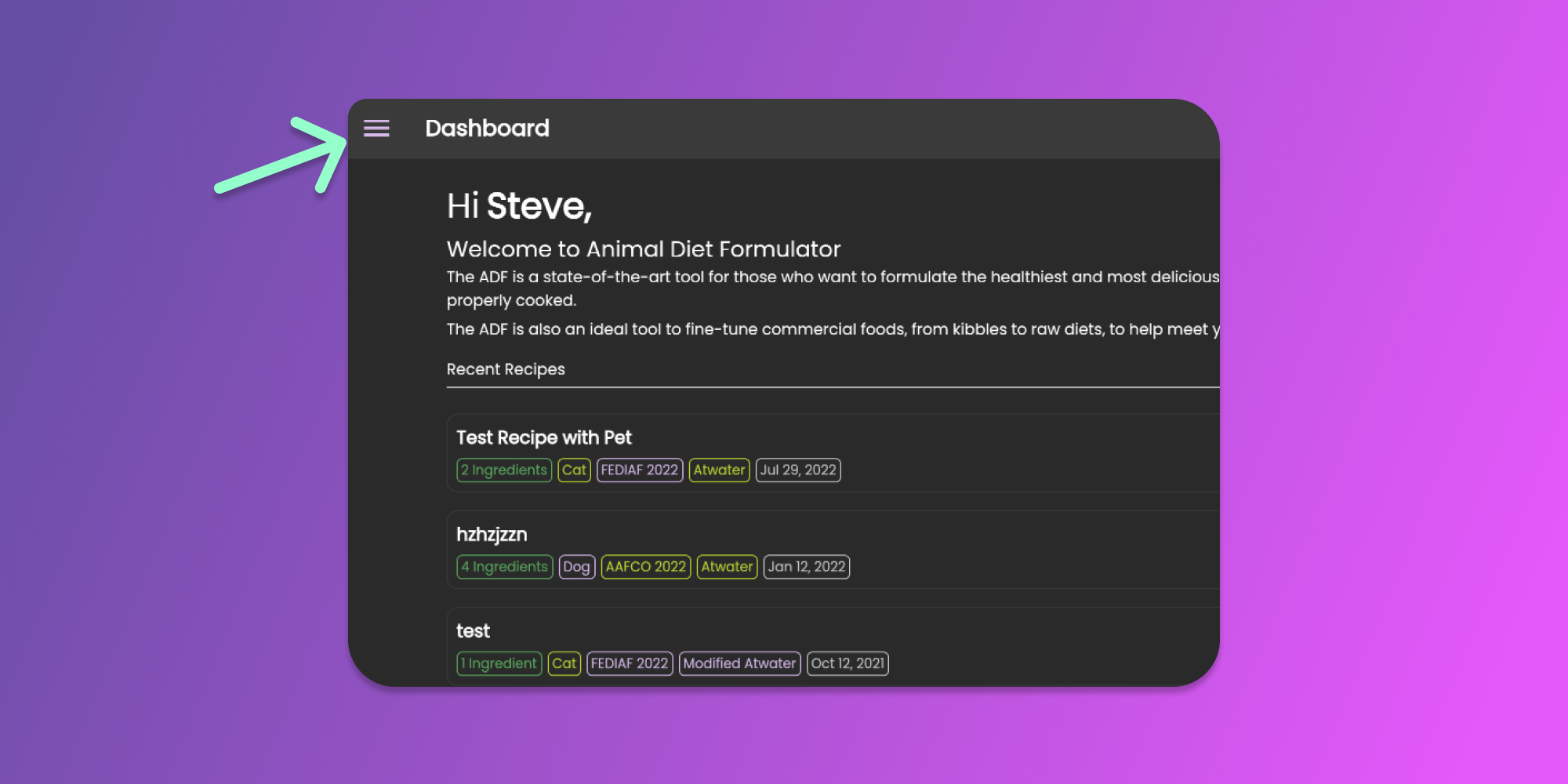
To access the settings page, go to the Main Menu by clicking the icon as shown below.
Click to Enlarge
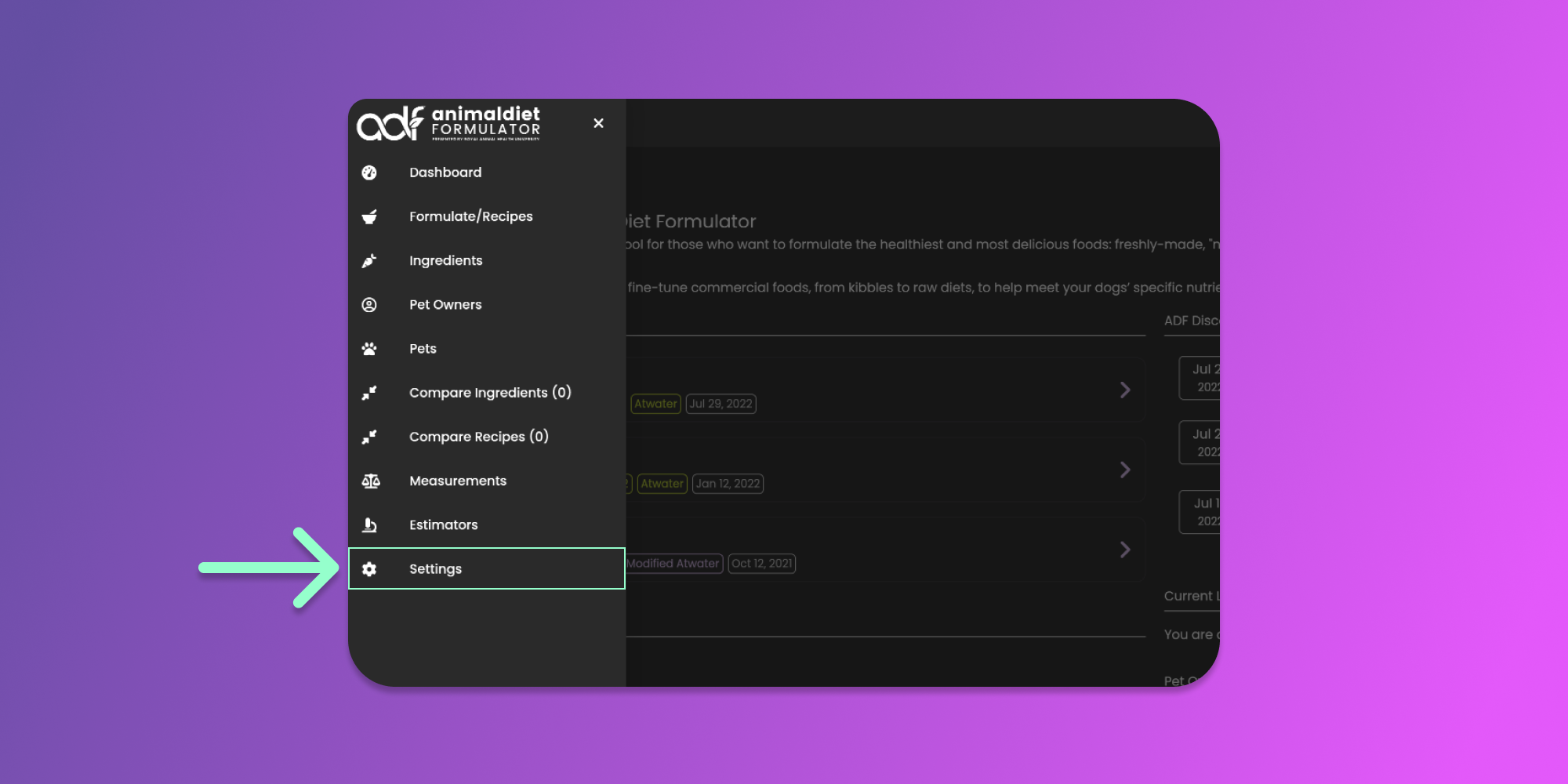
Then click the Settings menu item from the Main Menu.
After clicking the menu item, you will be redirected to the settings page. The page contains 5 sections.
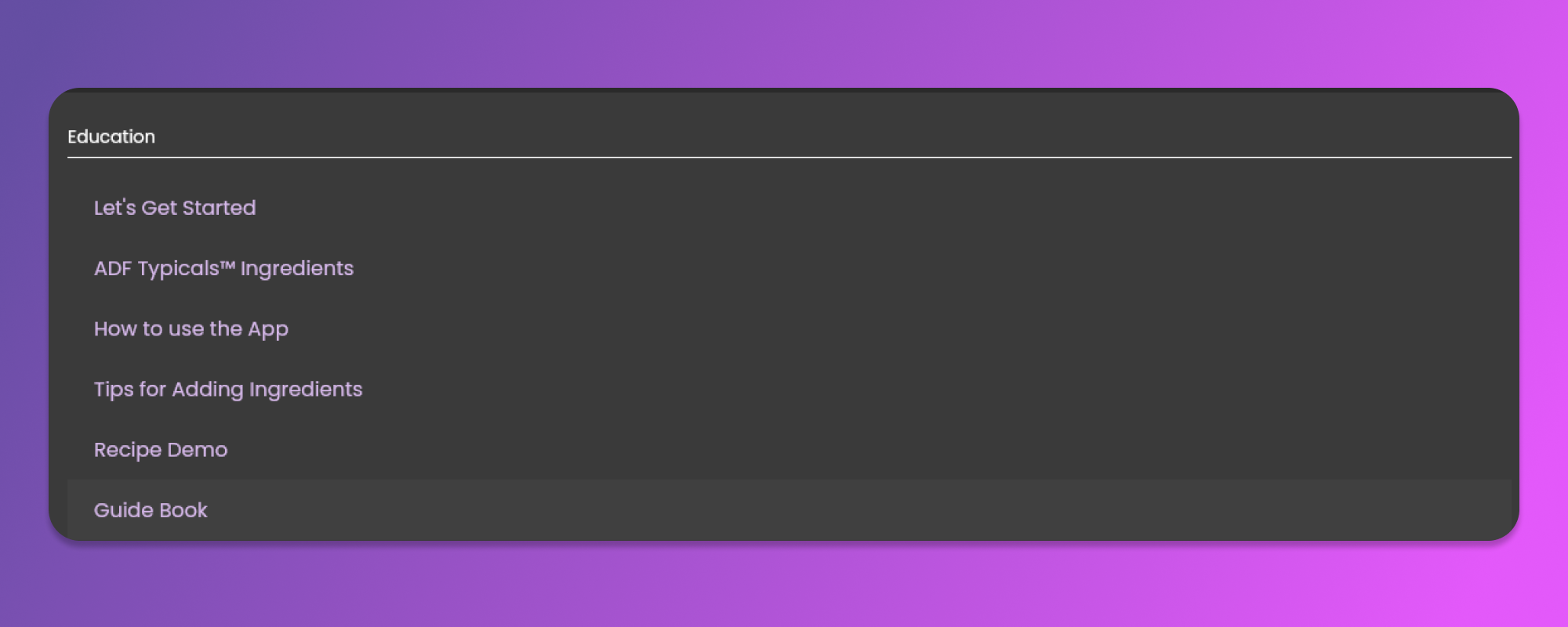
#### Education Section
In this section, there is a list of links related to Animal Diet Formulator Software. These links are helpful in learning how to use the Software.
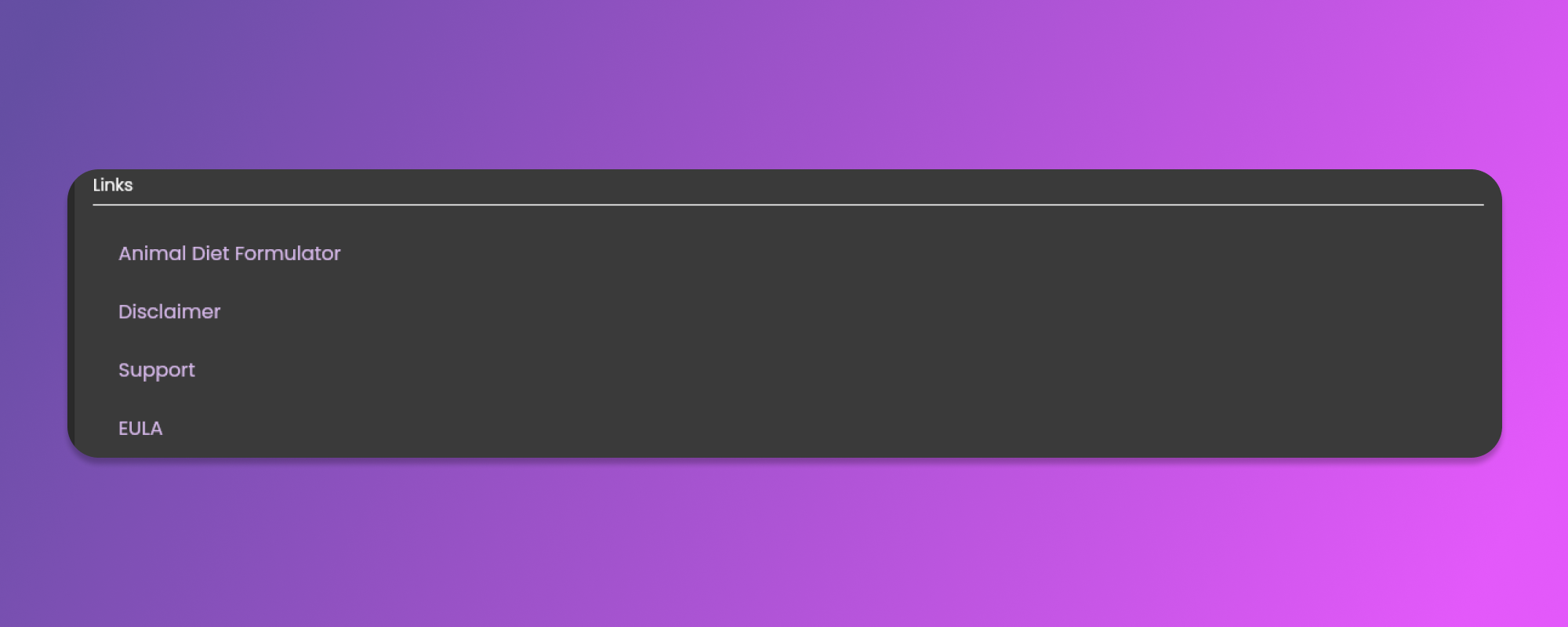
#### Useful Links
In this section, you will find the list of links that are related to the Animal Diet Formulator Team and its Terms and Conditions.
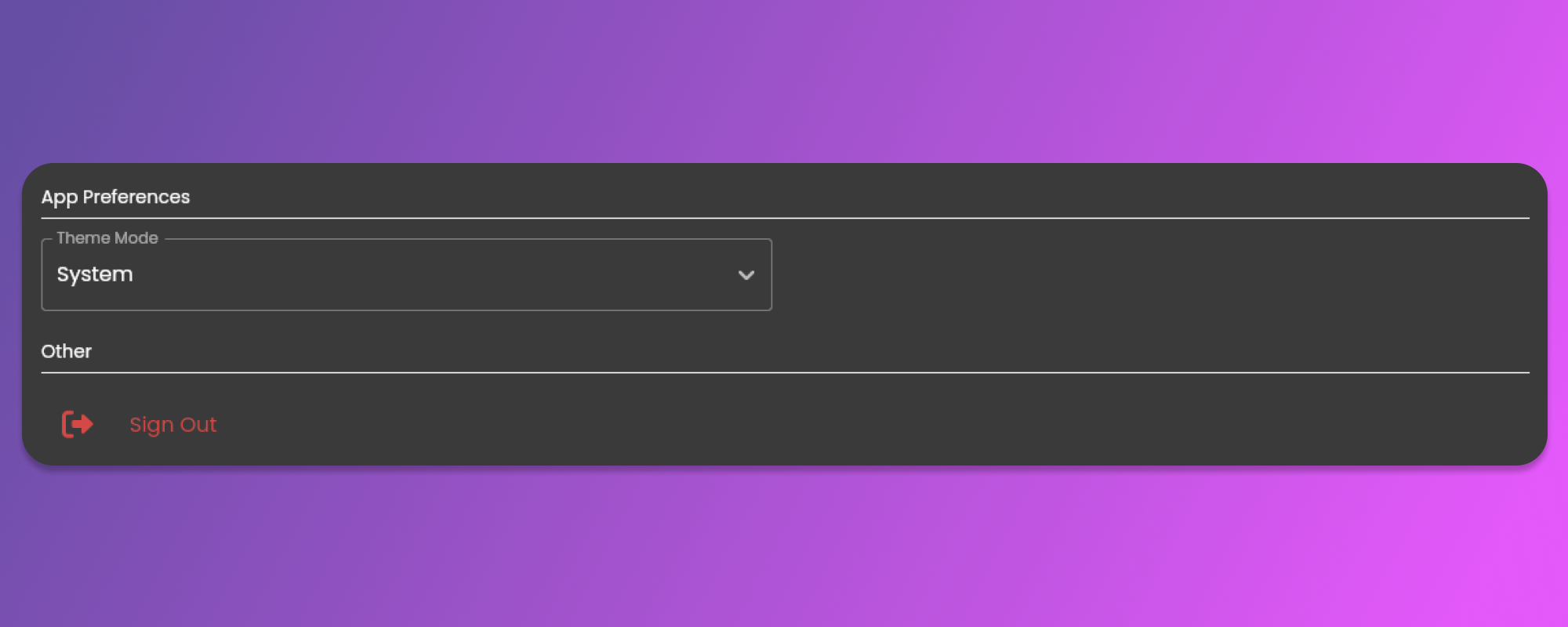
#### App Preferences and Other Section
In the App Preferences section, select Light or Dark Theme Mode settings.
In the Other section, you will find the Sign Out button.
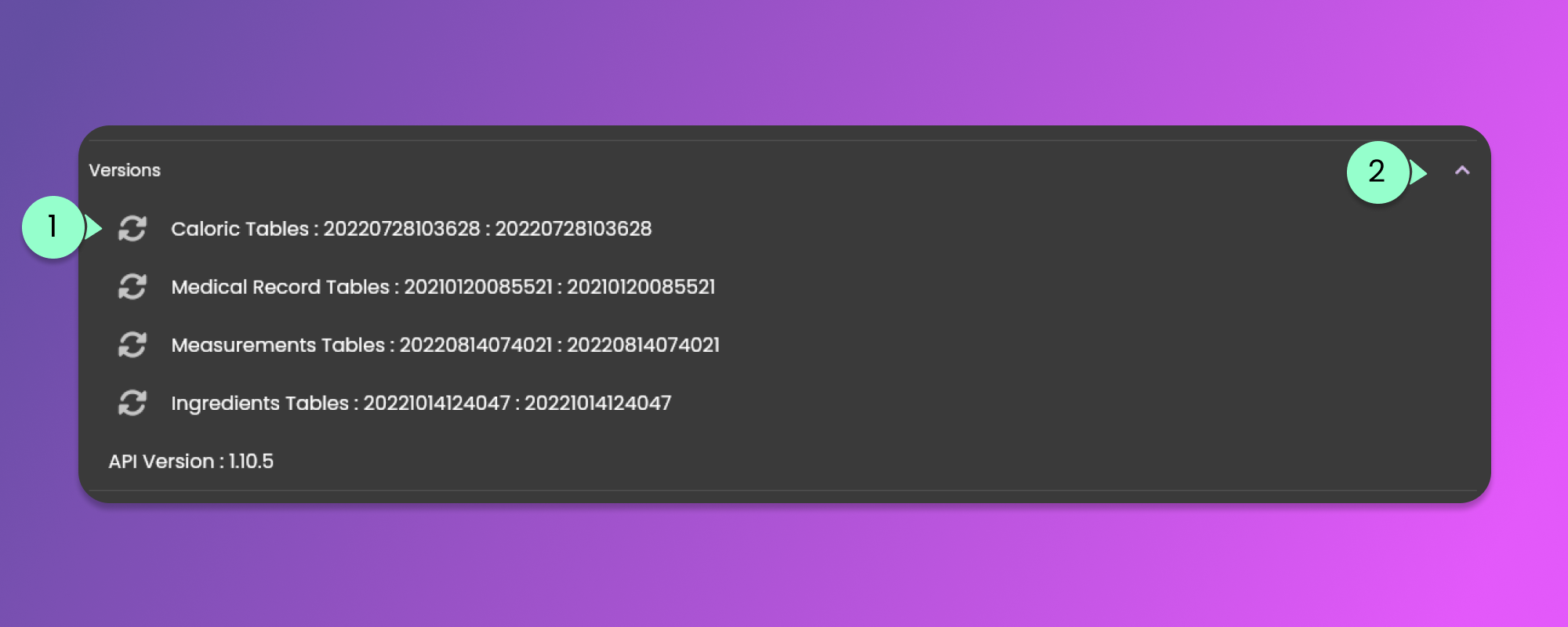
#### Versions Section
In this section, you can update all the stored information by clicking the refresh icon indicated in Item 1 in the image below.
By default, all the information inside the versions section is hidden. Click the arrow icon indicated in Item 2 to show/hide the content of this section.