> For the complete documentation index, see [llms.txt](https://docs.animaldietformulator.com/llms.txt). Markdown versions of documentation pages are available by appending `.md` to page URLs; this page is available as [Markdown](https://docs.animaldietformulator.com/animal-diet-formulator/recipes/ingredient-nutrients-details.md).
# Ingredient Nutrients Details
Identify the ingredients that contribute to the Recipe Nutrients.
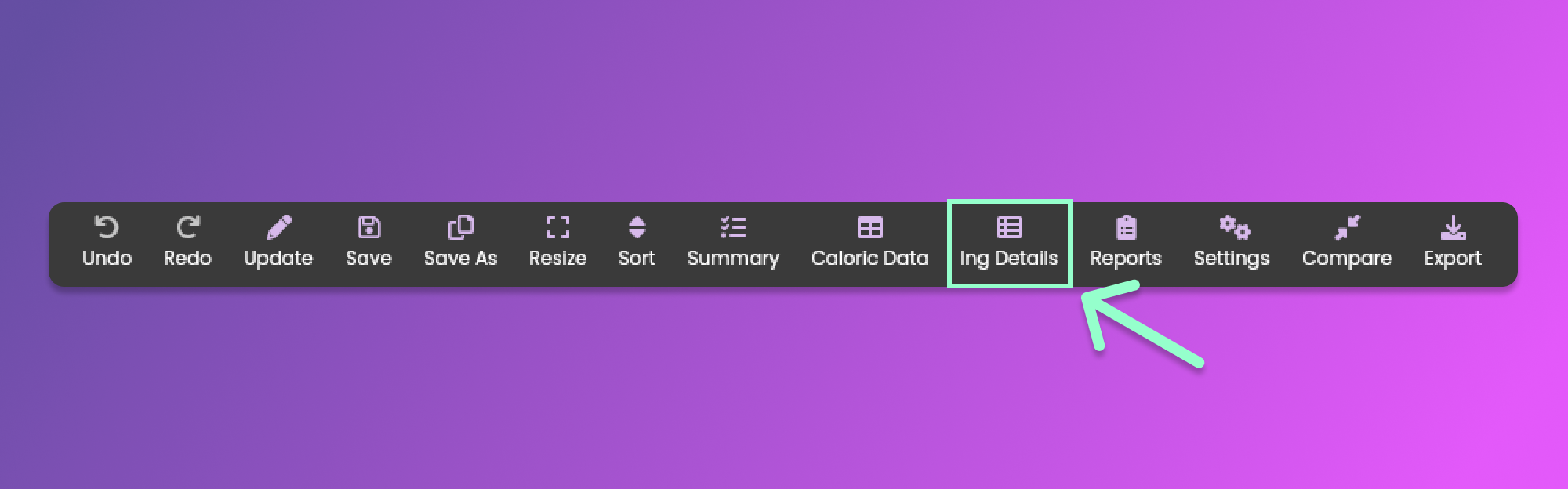
To view the ingredient nutrient details, click the "Ing Details" menu item from the [Formulation Menu](/animal-diet-formulator/recipes/formulation.md#formulation-menu-section) Section.
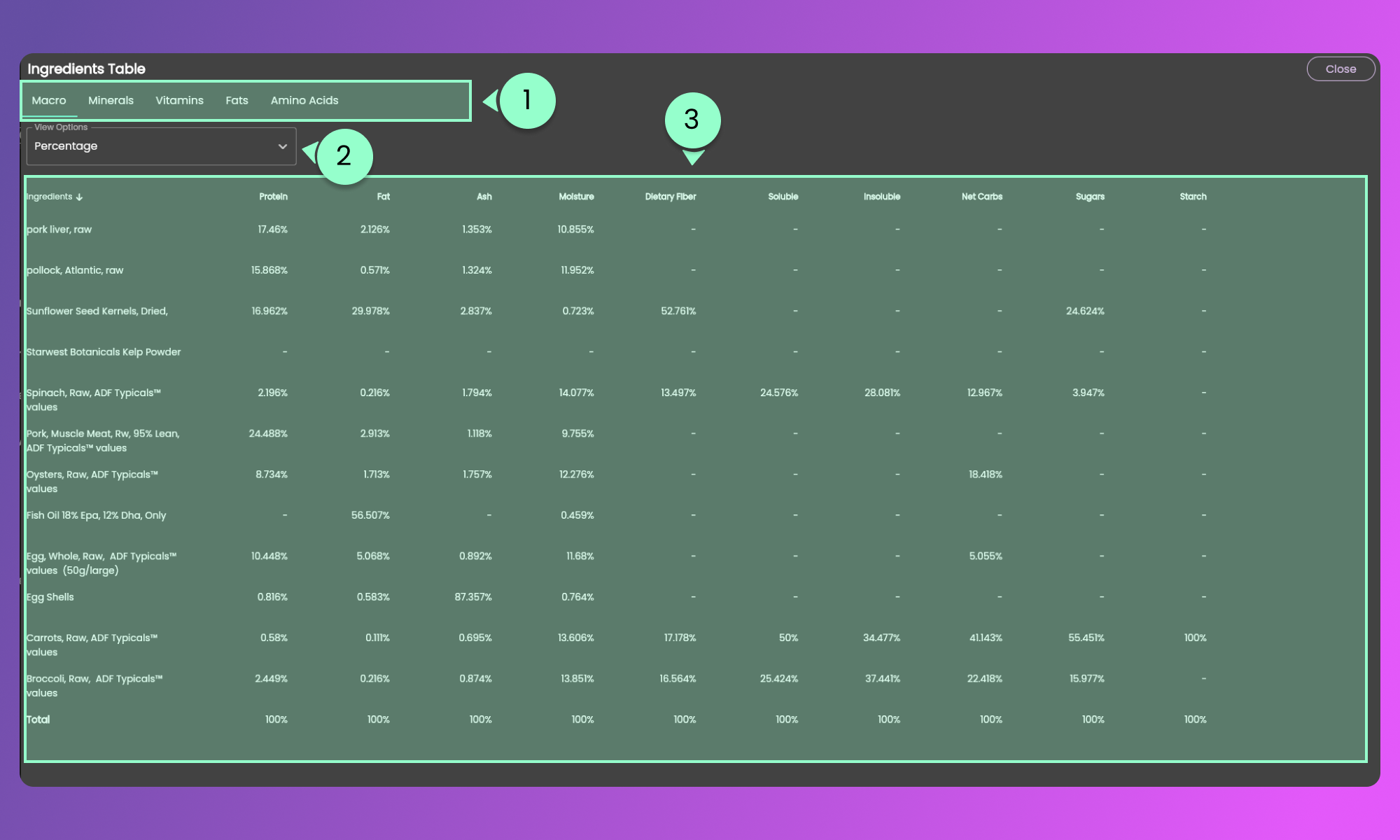
Clicking the button will show the pop-up containing the Ingredient Nutrients in a tabular format.
{% hint style="info" %}
Scroll horizontally to view the other columns and scroll vertically to see other ingredients.
{% endhint %}
#### 1. Nutrient Sections
Click each nutrient section tab to view the ingredients and their nutrients
#### 2. View Options
Select the unit or type of values that you want to show.
#### 3. Ingredient List and its nutrients
View the values based on the selected option from the View Options dropdown.