> For the complete documentation index, see [llms.txt](https://docs.animaldietformulator.com/llms.txt). Markdown versions of documentation pages are available by appending `.md` to page URLs; this page is available as [Markdown](https://docs.animaldietformulator.com/animal-diet-formulator/recipes/import.md).
# Import
Import recipe files (.adf) from other Animal Diet Formulator users into your Animal Diet Formulator.
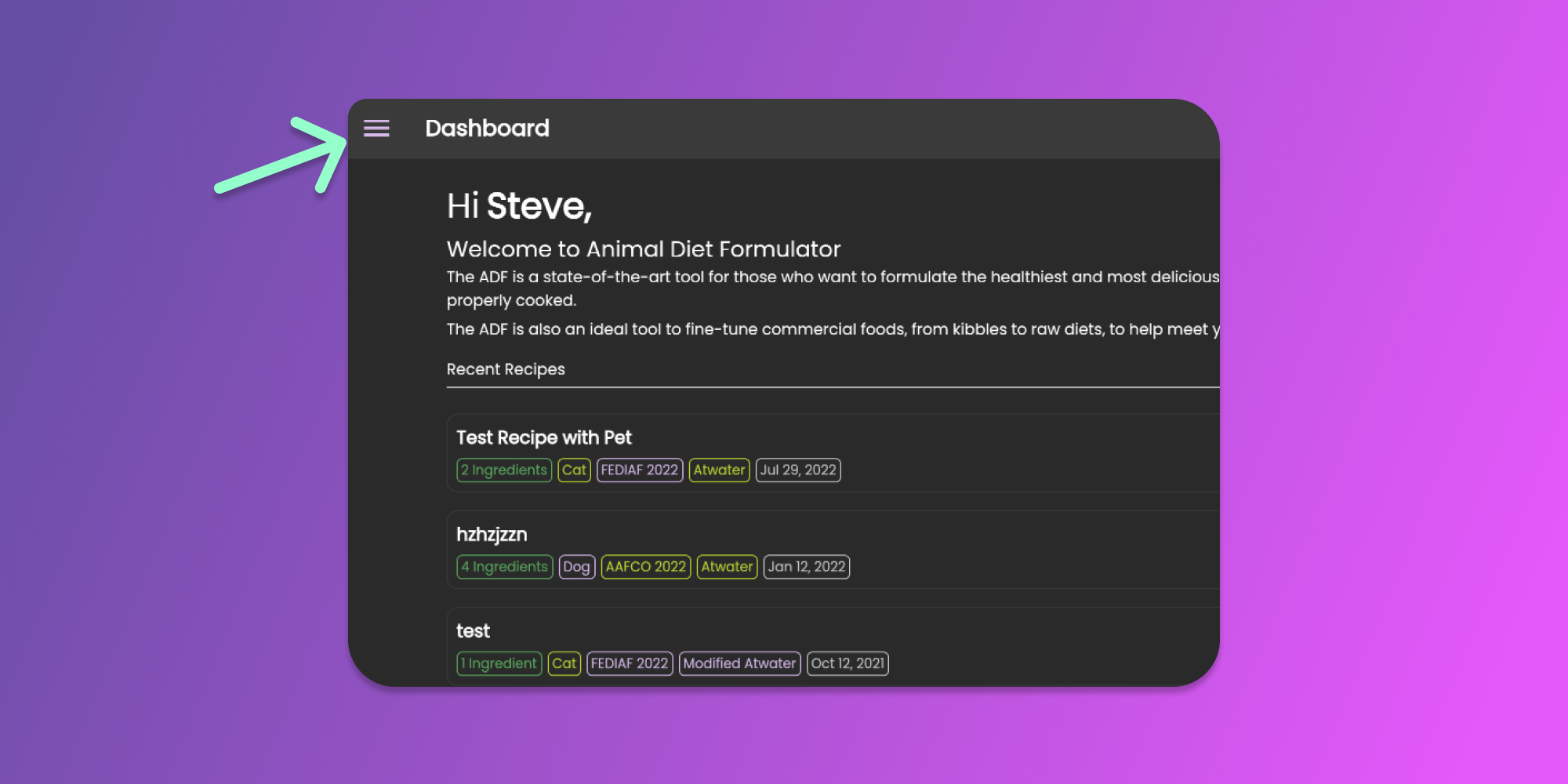
To start importing recipes, go to Main Menu by clicking the similar icon below.
Click to Enlarge
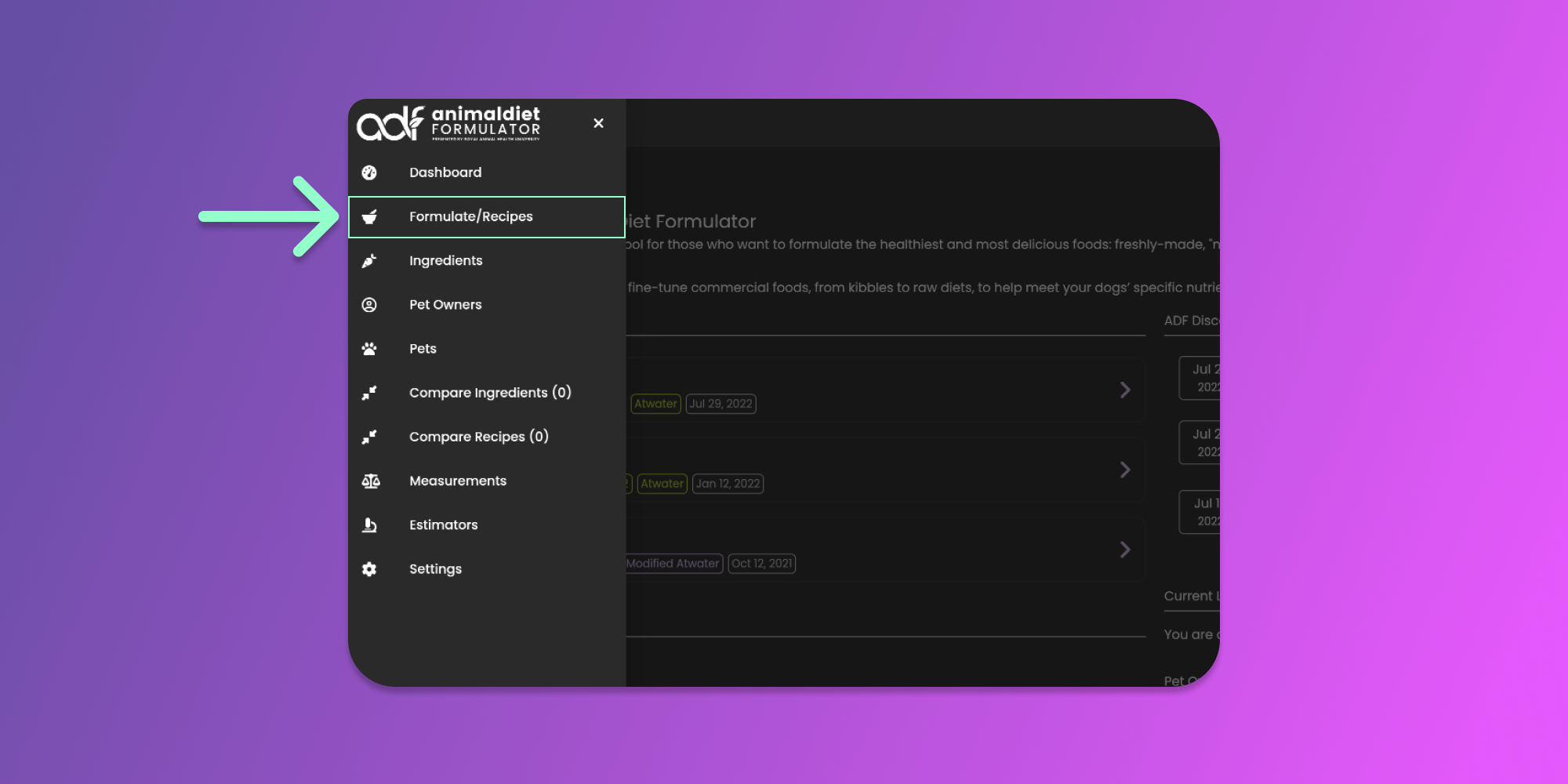
Then click the Recipes menu item from the Main Menu.
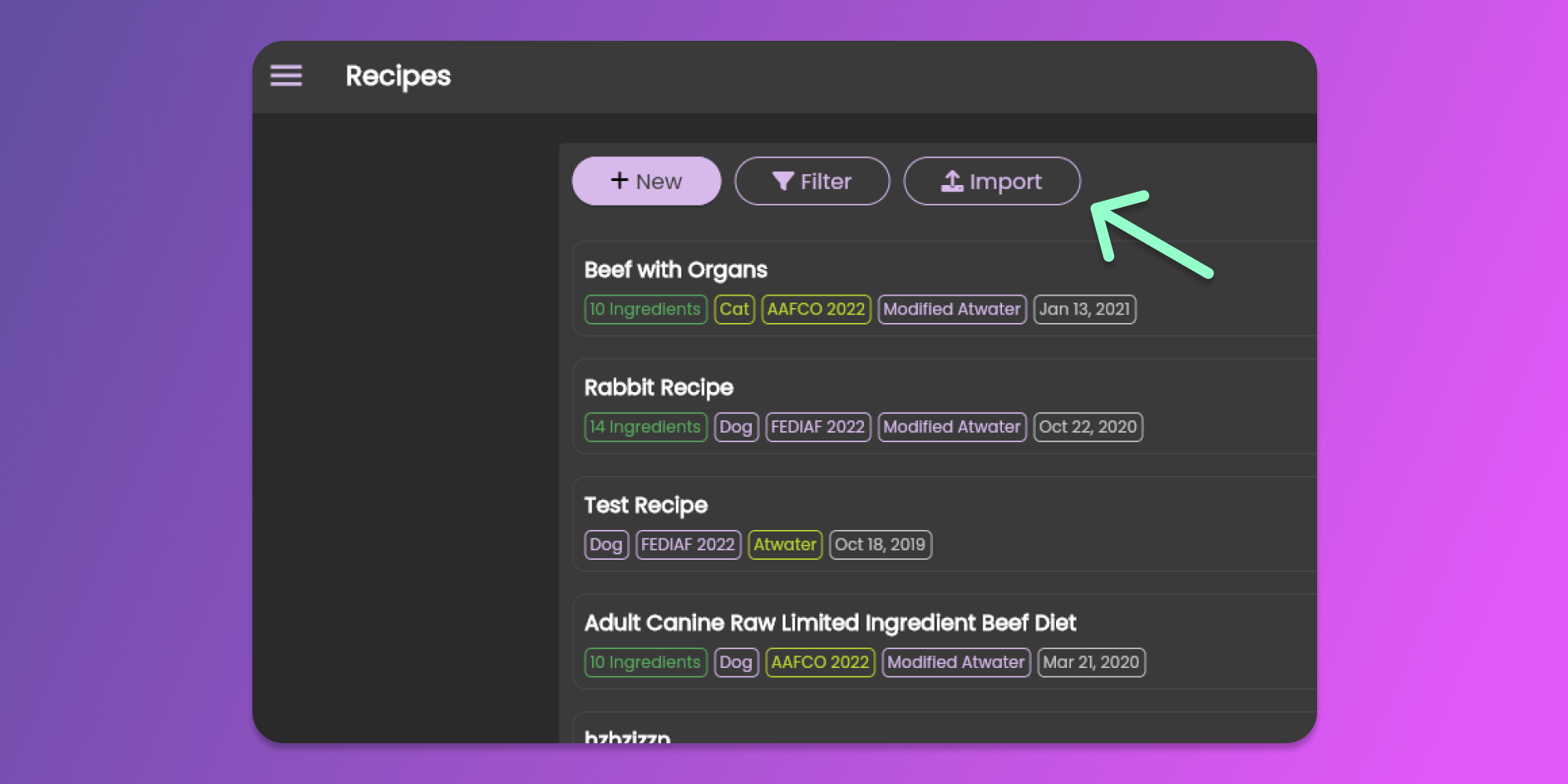
From the Recipes page, import the recipe file. Click the "Import" button as shown in the image below.
Clicking the "Import" button will show the System File Dialog which will allow you to locate the Animal Diet Formulator exported file (".adf" file).
After selecting the file, the system will verify the file based on the below conditions:
* The file contains a valid data structure.
* The current user is allowed to create another pet.
* The current user is allowed to create another recipe.
* The current user is allowed to create an ingredient if there is a custom ingredient in the recipe
* The current user is allowed to create measurements if there is a custom measurement used in the recipe.
If all conditions are valid, a pop-up containing the recipe information, ingredients, and desired percentages is shown for confirmation.
Clicking the "Import" button at the bottom right of the pop-up will import the recipe and redirect you to the imported recipe.