> For the complete documentation index, see [llms.txt](https://docs.animaldietformulator.com/llms.txt). Markdown versions of documentation pages are available by appending `.md` to page URLs; this page is available as [Markdown](https://docs.animaldietformulator.com/animal-diet-formulator/compare-ingredients.md).
# Compare Ingredients
Comparing Ingredients will help you to understand the differences in nutrients between two or more ingredients.
## Adding Ingredients
To compare ingredients, you need to add ingredients that you want to compare. Below are the ways to add ingredients
### 1. Add ingredients through the Ingredients Page
You need to be on the ingredients page. Click [here ](/animal-diet-formulator/ingredients.md)to learn how to go to the ingredients page.
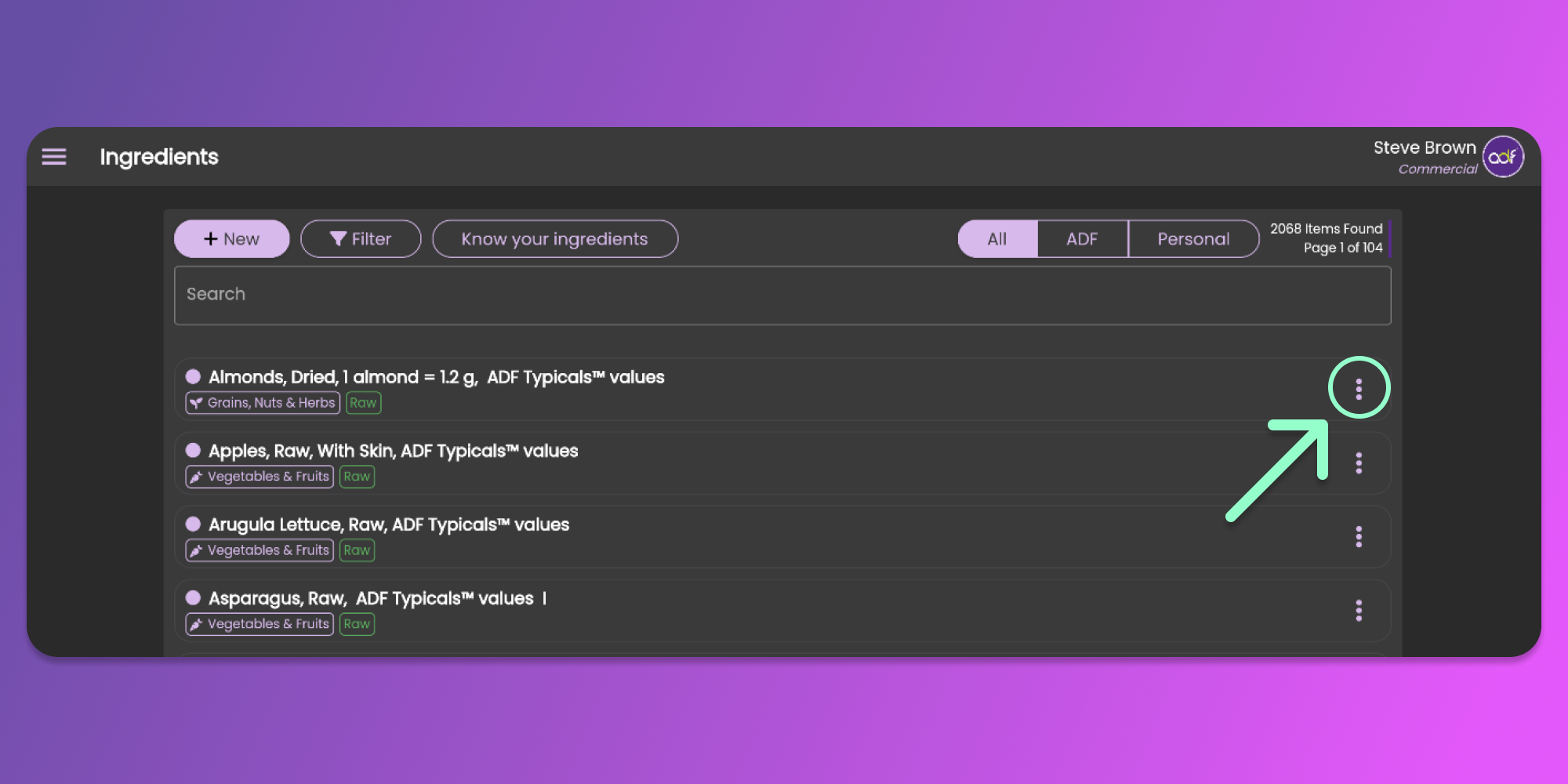
On the ingredients page, click the three vertical dots to view the item menu. See the image below.
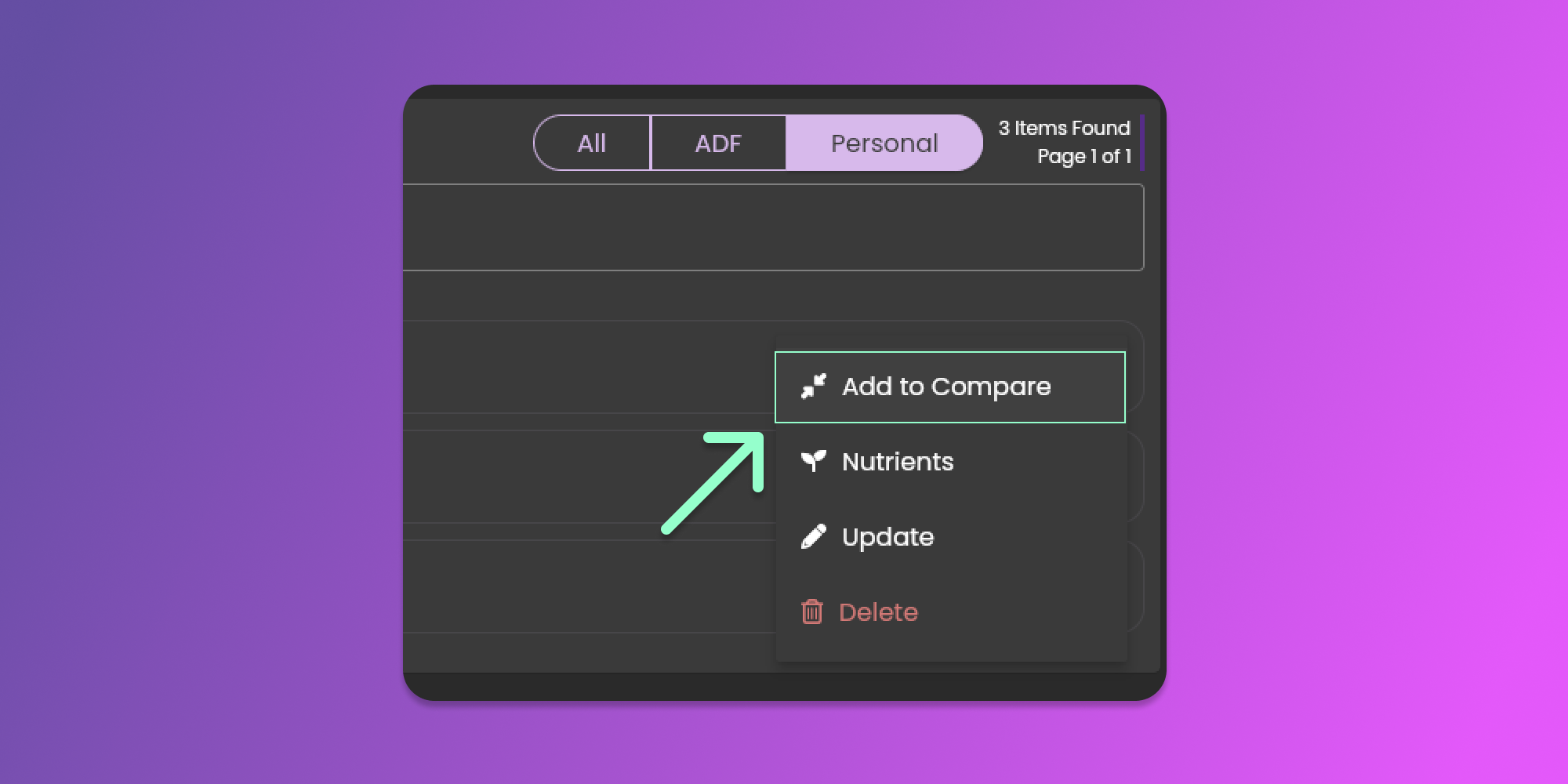
Select the Add to Compare options from the dropdown menu.
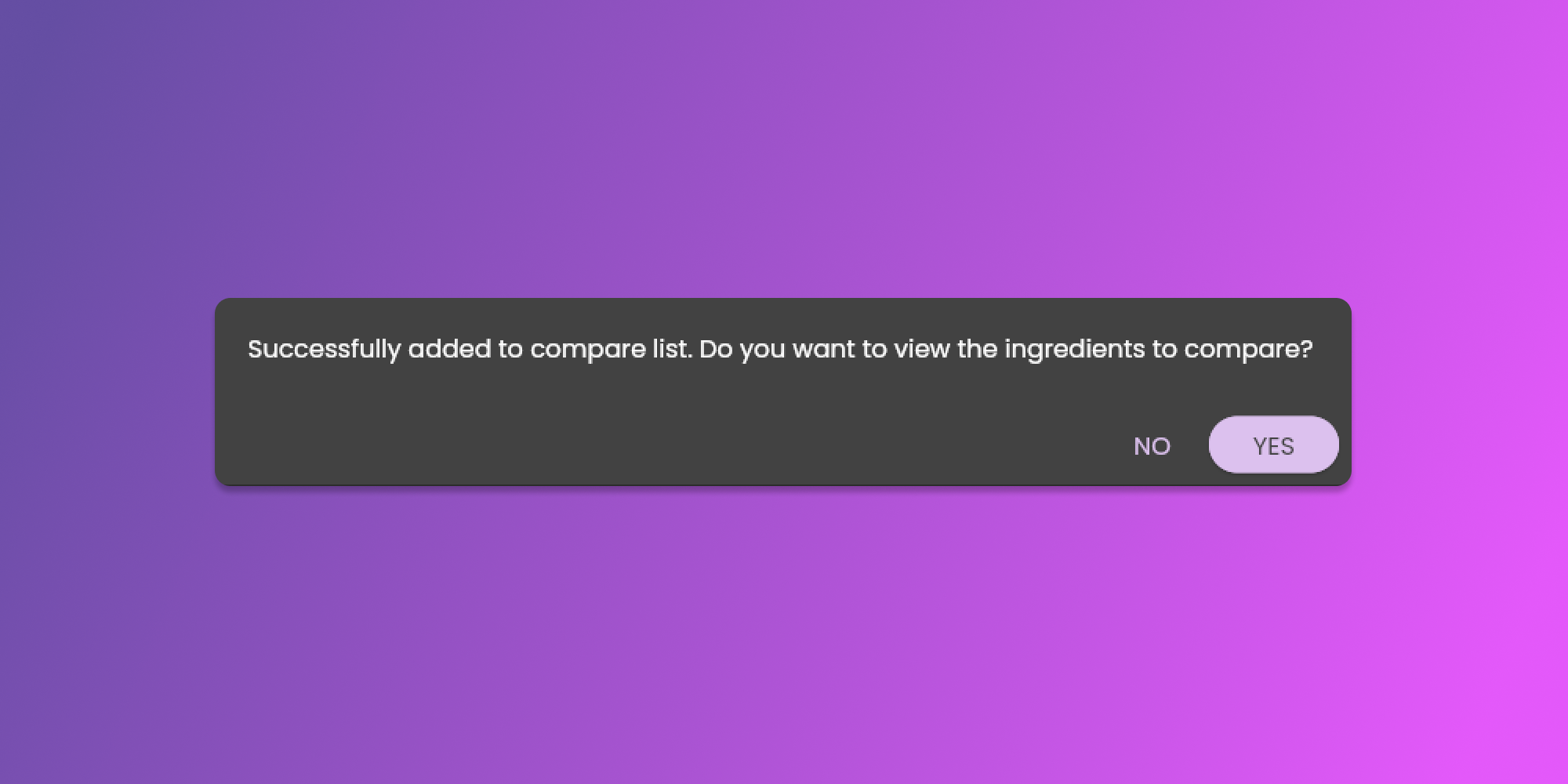
This action will add the ingredient to the list of ingredients to compare. A pop-up message will prompt you if you want to proceed to view the ingredients that you want to compare.
### 2. Add Ingredients while Formulating Recipes using the Ingredients Section panel
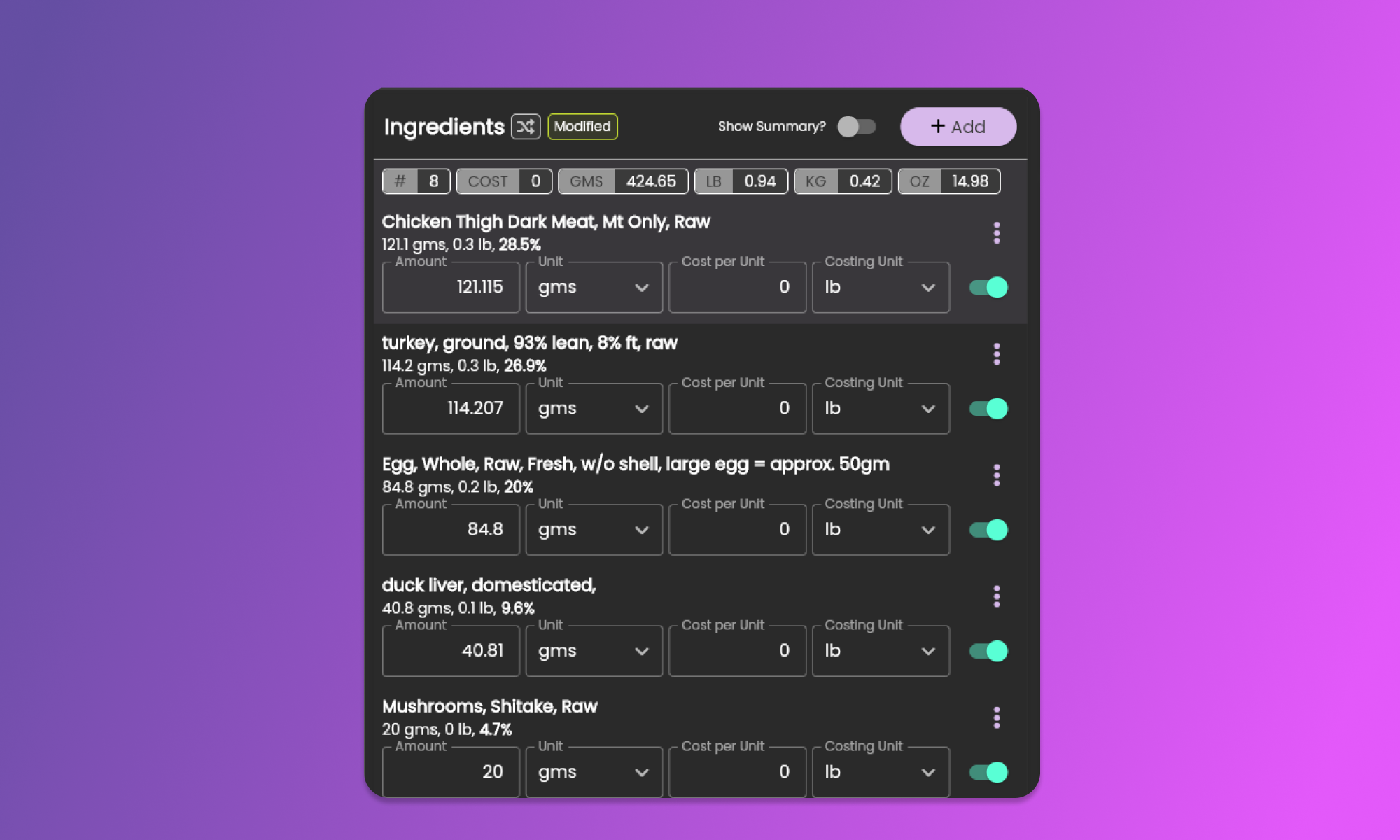
While on the formulation page, you can select ingredients from your recipe to compare. You can find the ingredients in the [Ingredients Section](/animal-diet-formulator/recipes/formulation.md#ingredients-section).
Click [here](/animal-diet-formulator/recipes/recipe-ingredients.md#add-to-compare-ingredients) to learn more about how to add the ingredients for comparison.
### 3. Add Ingredients while Searching for Ingredients to add or adjust.
While searching for ingredients to add to your recipe, you can also add them to compare. Use the same steps as in [Action 1.](#1.-add-ingredients-through-the-ingredients-page)
## Compare Ingredients
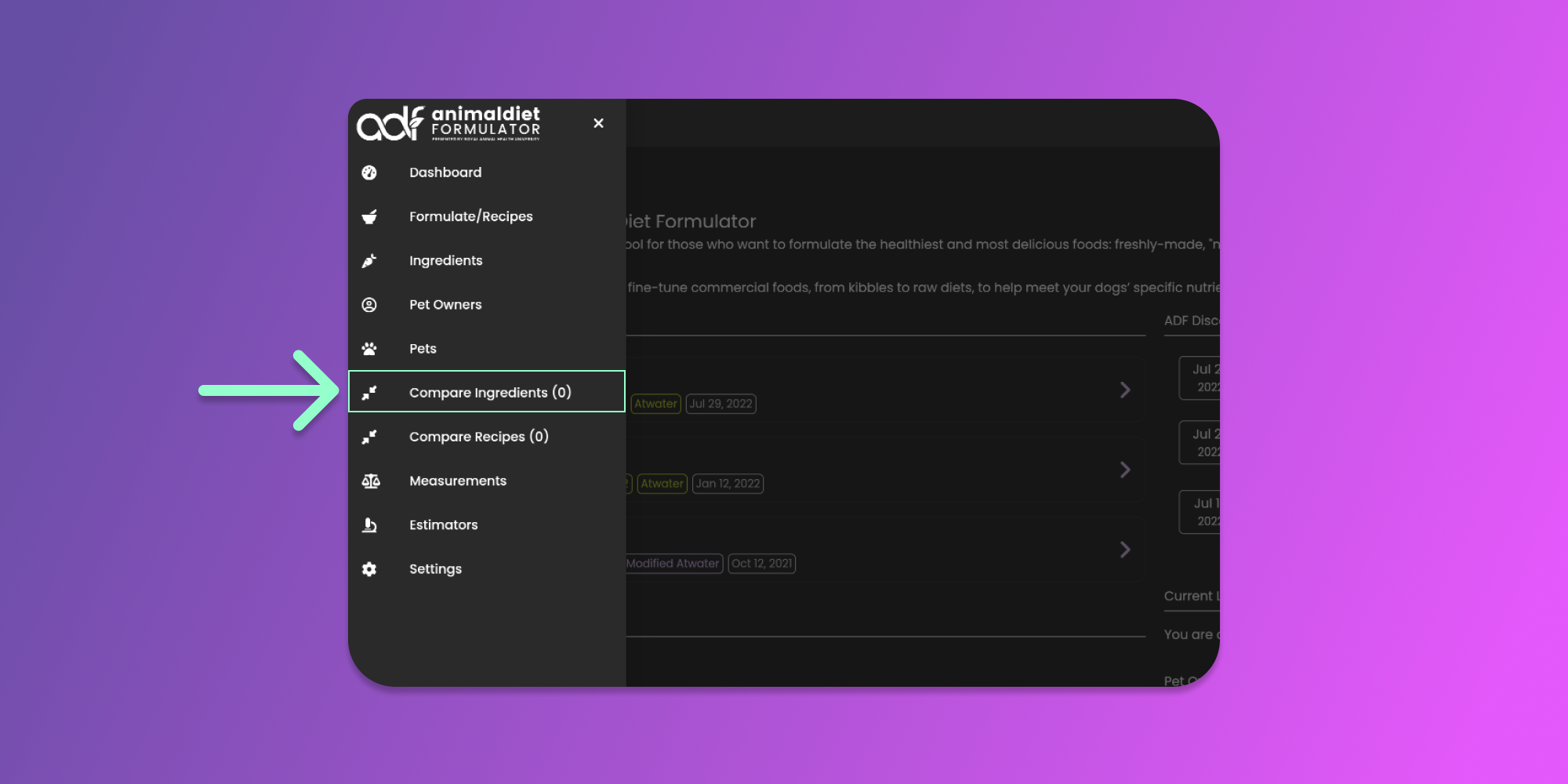
Once you add an ingredient, the software will prompt you if you want to open the Compare Ingredients. If you selected no, you can still open the Compare Ingredients Modal from the Main Menu Item.
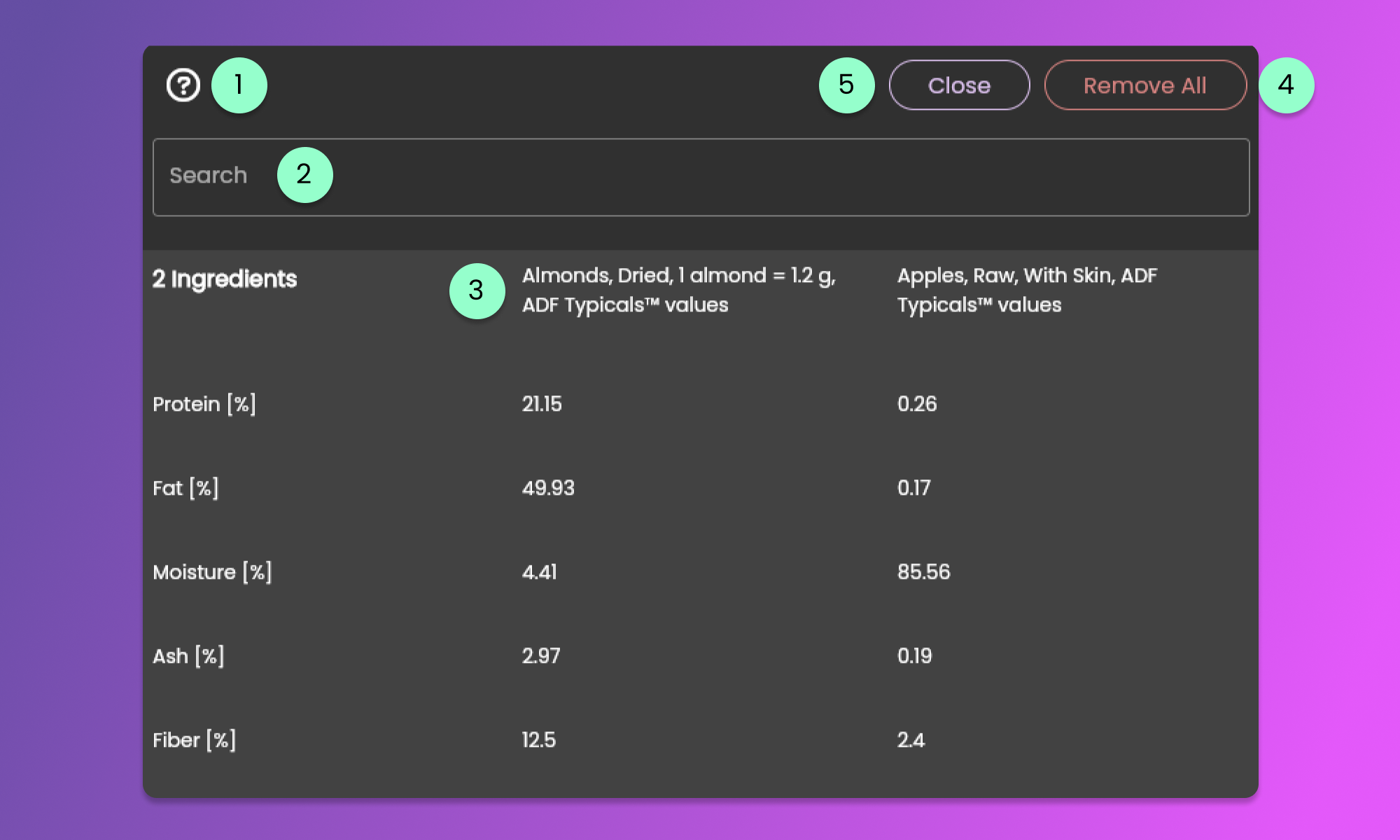
The item menu will show an indicator if there are ingredients that you can compare. Clicking the menu item opens the Compare Ingredients Modal. See the image below.
1. Instruction Icon Button
* Clicking this icon will provide more details on how to use the Compare Ingredients Modal.
2. Search Bar
* Provide the name of the nutrient that you want to compare. This will filter the nutrients instead of scrolling the whole page.
3. Name of the Ingredient
* Double-click the ingredient to remove the item from the list of ingredients to compare
4. Remove All button
* Click the button to remove all the ingredients.
5. Close button
* Click the button to close the Compare Ingredients Modal.